Get 3 months of TradingView for free!
Get 3 months of
TradingView for free!
TradingView for free!
Open a MEXEM account by 31 December 2026, deposit £2,000 or more,
and receive a free 3-month TradingView subscription.*
and receive a free 3-month TradingView subscription.*
Open a MEXEM account by 31 December 2026,
deposit £2,000 or more, and receive a free 3-month
TradingView subscription.*
deposit £2,000 or more, and receive a free 3-month
TradingView subscription.*
Advanced Insight Powers Trading
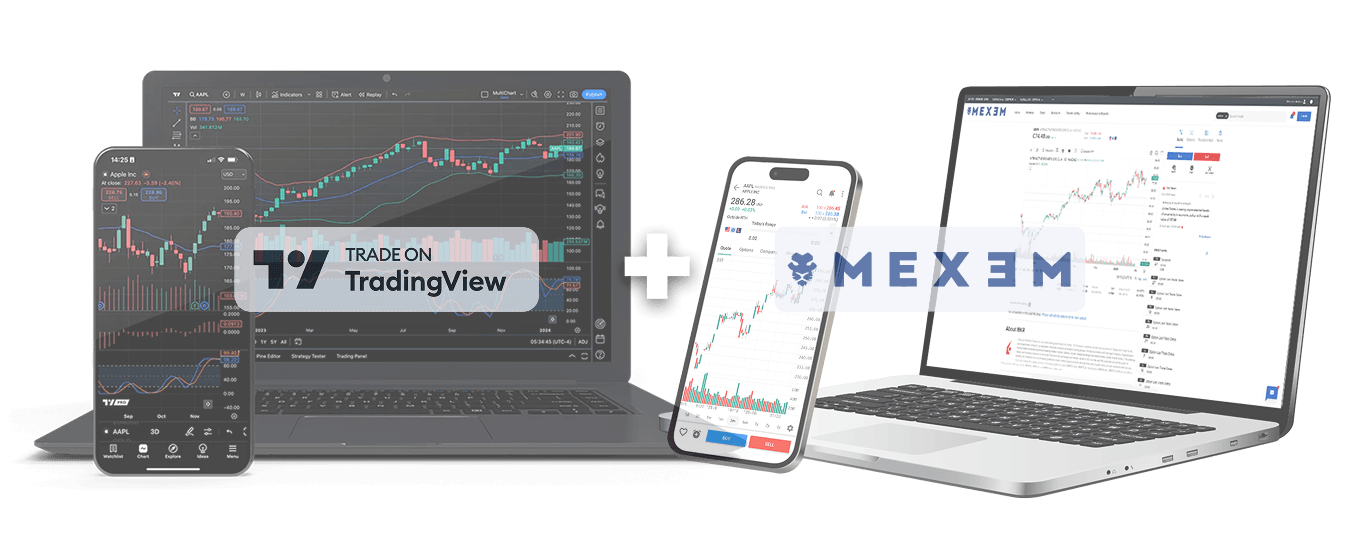
We’ve brought MEXEM and TradingView together to create a more connected trading experience.
Benefit from MEXEM’s market access and competitive pricing alongside TradingView’s advanced charts, screeners and analytical tools.
TradingView advantages:
Intuitive interface
Move seamlessly from one chart analysis to trade placement
through one connected interface.
through one connected interface.
Deeper market analysis
Explore dynamic charts and tools to analyze market
opportunities with greater clarity.
opportunities with greater clarity.
Powerful trading
Access TradingView’s charts, indicators, screeners and
alerts while staying connected to your MEXEM account.
alerts while staying connected to your MEXEM account.
Why trade with Mexem?
Low fees
Invest in UK, EU & US stocks starting from as low as £0.8/ €1/ $0.8 per trade.
Global market access
Unlock access to 170+ global markets & explore opportunities across stocks, ETFs, options, futures, warrants & bonds and more.
Multilingual support
Benefit from human support in your language.
How to connect MEXEM to TradingView:
Step 1
Create your MEXEM account.
Once activated and funded, go to the TradingView website.
.png)
Step 2
Log in to your TradingView account and open Supercharts.
Click Trade in the top-right corner and select MEXEM as your broker.
.png)
Step 3
Click connect to continue.
Login with your MEXEM account details and begin trading.
.png)
Frequently asked questions
How do I connect MEXEM to TradingView?
Do I need a MEXEM account to use the integration?
Can I trade directly from TradingView?
Which markets and products can I access?
Can I connect my broker account on mobile?
What order types are supported?
Who should I contact for help?
TradingView is a third-party platform. Platform availability, features, supported instruments and order types may
vary and are subject to account type, trading permissions, market availability and applicable terms.
vary and are subject to account type, trading permissions, market availability and applicable terms.